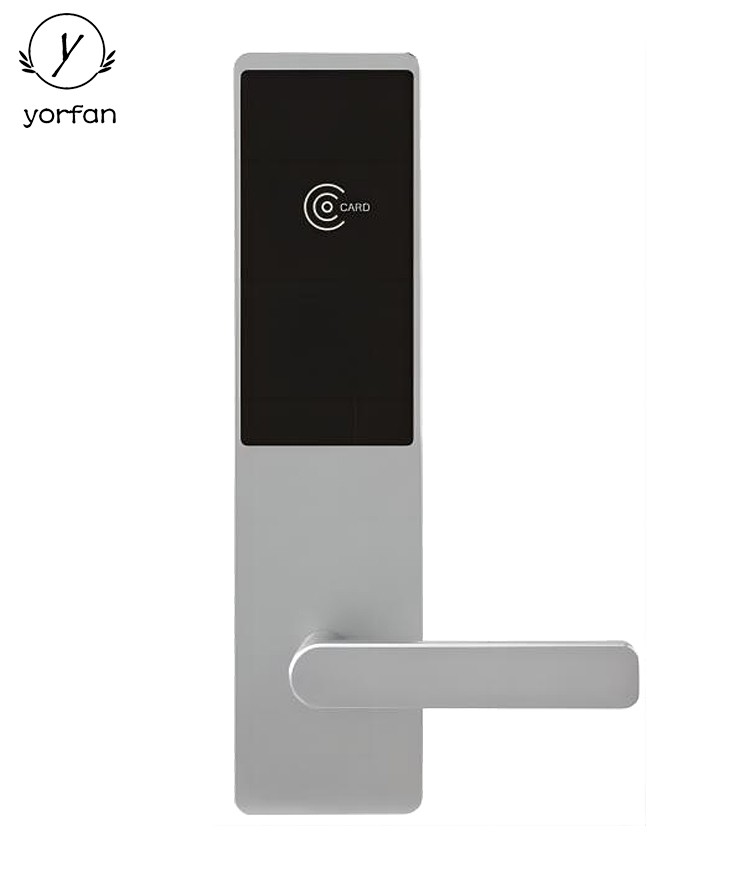
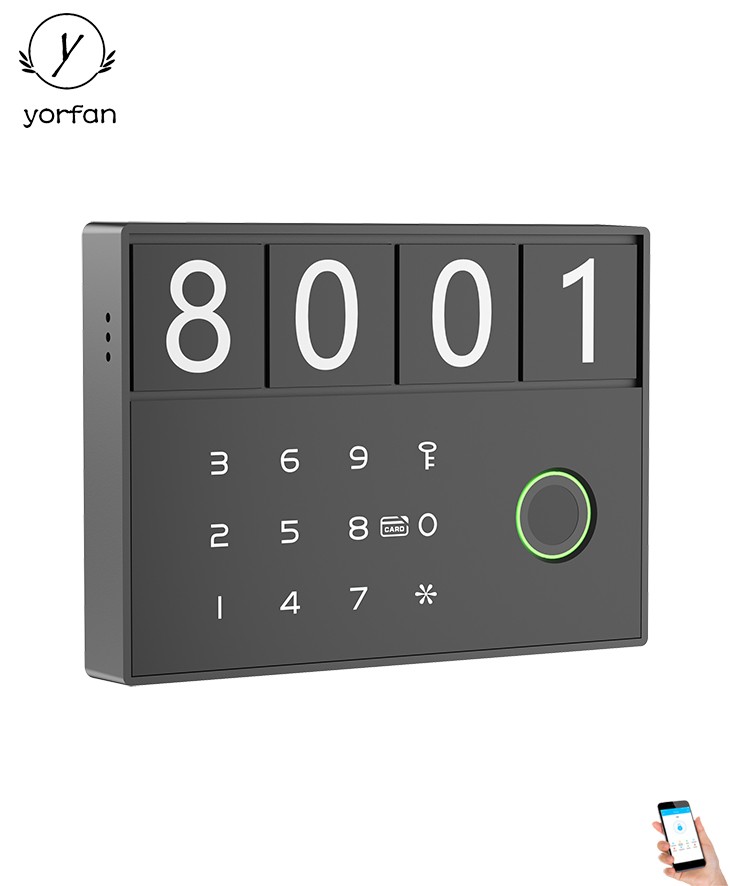
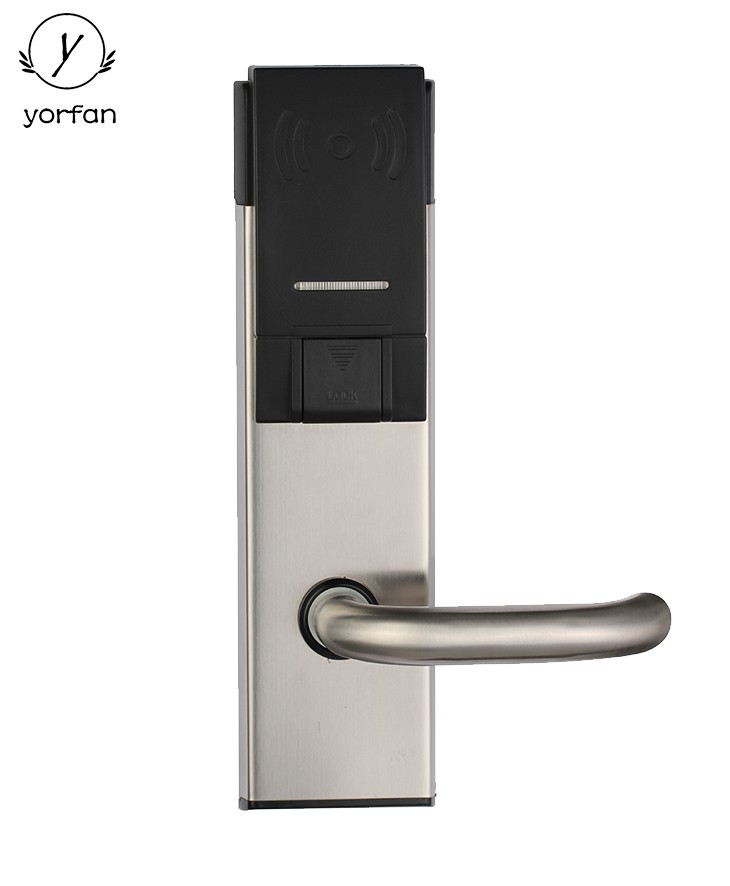
This comprehensive guide, provided by YORFAN—a leading smart lock manufacturer—explains how to troubleshoot Bluetooth smart lock issues, focusing on common problems such as Bluetooth connectivity, battery and power issues, app/firmware glitches, and mechanical malfunctions. It offers step-by-step solutions: from re-pairing devices and updating firmware, to checking battery contacts and cleaning biometric sensors. The article also covers advanced troubleshooting like factory resets and when to seek professional support. Special attention is given to integrating YORFAN smart locks with home automation and access control systems, enabling robust security and remote management. Preventive maintenance tips and best practices—such as regular firmware updates, cleaning, and log reviews—are provided to ensure ongoing reliability. Ultimately, following these guidelines will help users quickly resolve most issues, maximize the lifespan of their lock, and maintain secure, convenient access to their property.
Bluetooth smart locks have revolutionized home and office security. As technology evolves, companies like YORFAN, a leading smart lock manufacturer, are setting new standards for convenience and safety. However, like any electronic device, Bluetooth smart locks can face occasional issues. This comprehensive guide will walk you through troubleshooting your Bluetooth smart lock, ensuring your security system operates seamlessly and reliably.
Understanding Bluetooth Smart Lock Technology
Before diving into troubleshooting, it’s important to grasp how Bluetooth smart locks function. YORFAN’s Bluetooth smart locks utilize low-energy Bluetooth (BLE) to communicate with smartphones or authorized devices. They often support features like remote unlocking, activity logs, and integration with smart home systems, ensuring a seamless user experience. This technology forms the backbone of modern, keyless security.
Common Issues with YORFAN Bluetooth Smart Locks
Even with advanced manufacturing, users may encounter a few recurring problems. Here are the most common:
Connectivity is crucial for any Bluetooth smart lock. If your YORFAN smart lock isn’t pairing or responding to your device, follow these steps:
Check Device Compatibility: Ensure your smartphone supports the required Bluetooth version for your YORFAN lock.
Restart Devices: Turn off and on both your smartphone and the smart lock to reset the Bluetooth connection.
Re-pair Devices: Remove the lock from your phone’s Bluetooth list and re-add it. This clears potential connection errors.
Distance & Interference: Stay within the recommended range (usually 5–10 meters) and avoid barriers like thick walls or electromagnetic interference.
Update Firmware: Use the YORFAN app to check and install any available firmware updates, which often resolve connectivity bugs.
2. Addressing Power and Battery Issues
If your YORFAN Bluetooth smart lock doesn’t power up or shows erratic behavior, the battery may be the culprit.
Check Battery Level: Inspect battery status via the YORFAN app or indicator lights on the lock.
Replace Batteries: Use recommended battery types. Replace all batteries at once to maintain balanced power.
Check Battery Contacts: Ensure contacts are clean, free from corrosion, and properly aligned.
Low Temperature Warning: Extreme cold can affect battery performance. Try warming the batteries gently or moving the lock to a moderate environment during troubleshooting.
3. Handling App and Firmware Problems
YORFAN’s smart lock app is your gateway to management and troubleshooting. Glitches here can disrupt connectivity or functionality.
Update the App: Ensure you have the latest version of the YORFAN app from the official app store.
Clear Cache & Data: If the app misbehaves, clearing cache or reinstalling can resolve lingering software bugs.
Check Permissions: Grant the app necessary permissions for Bluetooth, location, and background activity.
Firmware Update: Follow prompts in the app to update your lock’s firmware, which can fix bugs and add features.
4. Mechanical and Installation Issues
Improper installation or physical damage can impede your Bluetooth smart lock’s operation.
Double-Check Alignment: Ensure the deadbolt or latch moves freely and the lock is properly aligned with the door and strike plate.
Inspect for Obstructions: Debris or misaligned parts can block the lock’s mechanism. Clean and adjust as necessary.
Physical Reset: Some YORFAN models have a reset button. Refer to the manual to perform a safe hardware reset.
5. Troubleshooting Biometric & Advanced Features
Premium YORFAN models may offer fingerprint or facial recognition. If these features malfunction:
Clean Sensors: Use a soft, lint-free cloth to wipe away dirt or smudges from the sensor area.
Re-register Biometrics: Delete and re-add your fingerprints or faces for improved recognition.
Update Firmware: Firmware updates often enhance biometric accuracy and stability.
Advanced Troubleshooting Tips
If basic steps don’t solve the problem, try these advanced tips:
Factory Reset: Resetting your YORFAN smart lock to factory settings can resolve persistent issues. Backup user data before proceeding.
Contact Support: YORFAN’s customer service can offer guidance for complex troubleshooting or warranty concerns.
Review Installation Manual: Double-check every installation step to ensure there are no missed details.
Integrating with Smart Home Systems
Many YORFAN Bluetooth smart locks support integration with broader smart home systems, such as home automation and access control platforms. This allows users to unlock doors remotely, monitor access logs, and set up automation routines. If integration fails, ensure your controller hub and all devices are compatible and up to date. For instance, in an advanced home automation setup, your YORFAN lock can work alongside lighting, alarms, and video monitoring systems for comprehensive security management.
Access Control Systems and YORFAN Smart Locks
YORFAN’s Bluetooth smart locks are compatible with modern access control systems, which are essential for offices and commercial properties. These systems enable centralized management of multiple entry points, permission settings, and time-based access for employees or visitors. If you face synchronization or access rule issues, check that user permissions are correctly configured and that the lock is properly linked to the central access control dashboard.
Preventive Maintenance and Best Practices
Regularly Update Firmware: Keeping your lock’s firmware updated ensures ongoing security and feature improvements.
Clean and Inspect: Periodically clean the lock’s keypad, sensors, and moving parts to prevent wear and tear.
Test Backups: Always maintain backup physical keys or alternative entry methods.
Monitor Battery Health: Set reminders to check and replace batteries before they deplete fully.
Review Access Logs: Use the YORFAN app’s log features to monitor who accessed your property and when.
When to Seek Professional Help
If your troubleshooting efforts don’t resolve the issue, it’s time to consult a professional. Certified locksmiths familiar with electronic locks or YORFAN’s customer support team can provide advanced diagnostics and repairs. Especially with complex issues involving integration with home automation or access control platforms, professional assistance ensures security is not compromised.
Conclusion: Ensuring Reliable Security with YORFAN
With the right steps, most Bluetooth smart lock issues can be resolved quickly. YORFAN’s commitment to quality and innovation as a top smart lock manufacturer ensures their devices are reliable, secure, and easy to maintain. Regular maintenance, timely firmware updates, and attentive troubleshooting will keep your smart lock in optimal condition for years to come.
Remember, integrating your smart lock with home automation or access control systems not only elevates convenience but also enhances your overall security infrastructure. With YORFAN’s expertise and this in-depth guide, you can confidently manage and troubleshoot your Bluetooth smart lock for maximum peace of mind.