WiFi Digital Lock Maintenance Tips for Long-Lasting Security
Mar. 20, 2026
WiFi digital locks have transformed modern home security, offering convenience and robust protection. YORFAN, a leading smart lock manufacturer, provides advanced WiFi digital locks that integrate seamlessly with smart home systems and deliver reliable security. To ensure long-lasting performance, users should regularly update lock firmware, clean external surfaces, monitor battery life, and inspect physical components. Reliable WiFi connectivity is essential for remote access and real-time alerts, requiring regular router maintenance and proximity checks. YORFAN emphasizes cybersecurity, urging users to change passwords, enable two-factor authentication, and audit access logs. Maintenance also includes managing user access, cleaning biometric sensors, and integrating with smart home routines. Environmental factors, such as humidity and temperature, should be considered for optimal lock performance. Professional support and scheduled maintenance from YORFAN further enhance security and device longevity. By following these tips, homeowners can keep their WiFi digital locks functioning efficiently and maintain a secure living environment.
Introduction
As smart homes continue to become the norm, WiFi digital locks have rapidly emerged as a staple of modern home security. YORFAN, a renowned smart lock manufacturer, has led the way in developing advanced locking solutions that not only offer robust protection but also seamless integration into our connected lives. To ensure your digital lock provides enduring security, proper maintenance is essential. This in-depth guide covers the best practices for maintaining your WiFi digital lock, maximizing its lifespan, and maintaining optimal security standards.
Why YORFAN WiFi Digital Locks Stand Out
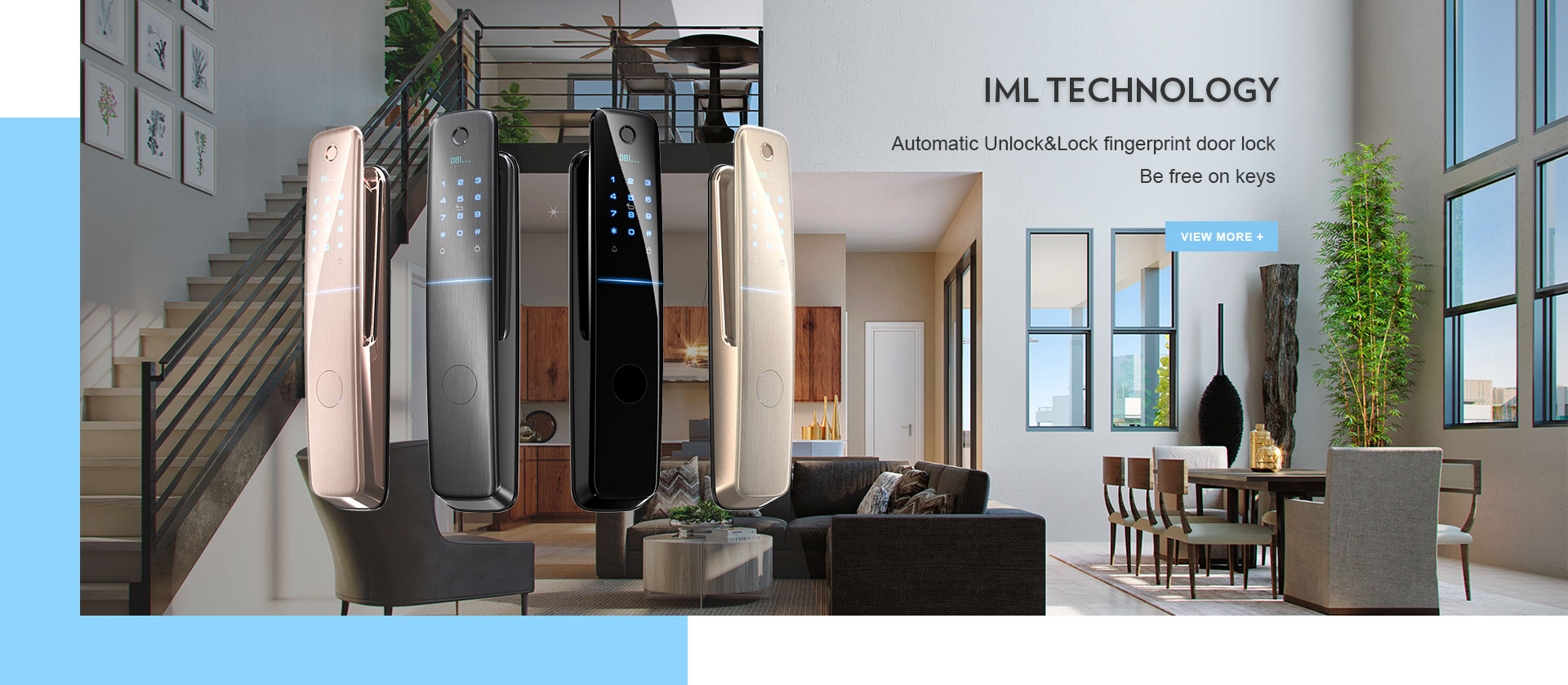
YORFAN’s commitment to innovation and quality has positioned it as a leader among smart lock manufacturers. The company combines cutting-edge tech with user-friendly features, such as advanced encryption protocols and remote access capabilities. With the rise in smart homes and the need for convenient yet reliable security, YORFAN’s WiFi digital locks have become a trusted choice for homeowners, property managers, and even commercial buildings.
Major advantages include:
undefined
Easy installation and configuration
Integration with smart home systems
Regular firmware updates for enhanced security
Durable hardware designed for all climates
Routine Maintenance for WiFi Digital Locks
1. Keep Firmware Up to Date
Firmware is the backbone of your smart lock’s operation. YORFAN provides regular over-the-air firmware updates that address security vulnerabilities and add new features. Check for updates every month using the lock’s app or web portal. Updated firmware ensures your lock can resist the latest hacking techniques and continues to operate smoothly.
2. Clean the Lock Externally
Dirt, dust, and grime can interfere with your lock’s sensors and mechanical components. Use a soft cloth and non-abrasive cleaner to gently wipe the keypad, fingerprint scanner, and enclosure. Avoid harsh chemicals, which may damage the lock’s finish or seep into sensitive electronics. For keypads, compressed air can help remove debris from crevices.
3. Inspect the Battery Regularly
WiFi digital locks are usually powered by lithium or alkaline batteries. YORFAN recommends checking battery levels monthly through the app interface. Replace batteries as soon as the warning light appears, or when battery levels drop below 30%. Always use certified batteries to prevent leakage or damage to the lock’s internal circuitry.
4. Test Physical Components
Check the lock’s latch, handle, and strike plate for wear and tear. Loose screws or misalignment can compromise the lock’s functionality. Using a screwdriver, gently tighten any loose screws and ensure all moving parts operate smoothly. If you detect unusual resistance, apply a small amount of graphite lubricant to metal interfaces, but avoid spraying aerosol lubricants near electronics.
One of the main features that sets YORFAN smart locks apart is their reliable WiFi connectivity, enabling remote access and monitoring. However, interruptions in connectivity can prevent you from locking or unlocking your door remotely or receiving real-time alerts. To maintain a strong connection:
Install your lock within close proximity to your router or mesh node.
Periodically restart your router to clear network cache.
Update your WiFi password regularly to enhance security.
Monitor the lock’s app for connectivity alerts and take prompt action.
This proactive approach to WiFi maintenance helps safeguard your home and ensures you can leverage all smart features, such as temporary access codes and guest access controls. For more sophisticated setups, YORFAN offers integration with leading smart home platforms for centralized management.
Smart Lock Manufacturer’s Best Practices
As a trusted smart lock manufacturer, YORFAN provides a range of best practices for owners:
Register your lock with YORFAN to receive support and warranty benefits.
Read the user manual thoroughly, focusing on troubleshooting and care guidelines.
Keep the lock’s access logs secure to track who enters and leaves your property.
Contact customer support if you experience persistent issues rather than attempting complex repairs yourself.
Managing User Access
Changing users, updating access codes, and revoking permissions are all critical to maintaining security. YORFAN’s management interface makes it easy to add or remove users, set temporary access for guests, and monitor access logs. It’s recommended to audit user permissions monthly and revoke access for former tenants or employees immediately.
Preventing and Resolving Common Issues
1. Unresponsive Keypad
If the keypad fails to respond, try these steps:
Check battery status via app.
Clean the keypad with a gentle cloth.
Restart the lock using the power button or app.
If the issue persists, contact YORFAN’s support team for diagnostic assistance.
2. WiFi Disconnections
Frequent disconnections may be due to interference from other devices, thick walls, or outdated firmware. Relocate your router closer to the lock or use a WiFi extender. Make sure no large metal objects are between the lock and the router. Update both the router and lock firmware as needed.
3. Mechanical Jamming
If the lock becomes hard to turn, remove the battery, then gently clean and lubricate the moving parts. Avoid forcing the lock, as this can damage internal mechanisms. For persistent issues, a professional inspection is recommended.
Physical and Cybersecurity: A Dual Approach
Maintaining a smart lock involves safeguarding both its mechanical integrity and its cybersecurity. YORFAN recommends the following:
Change admin passwords regularly and use complex credentials.
Enable two-factor authentication where available.
Keep the lock’s software up-to-date to mitigate cyber threats.
Physically inspect the lock for tampering or forced entry marks.
This layered approach ensures your WiFi digital lock, and by extension your home, remains secure against both physical and digital threats.
Advanced Features and Maintenance Tips
Voice Control Integration
YORFAN’s latest WiFi digital locks support voice assistants like Alexa and Google Assistant. Periodically check the integration settings to ensure seamless operation and update the voice assistant’s software regularly.
Biometric Authentication
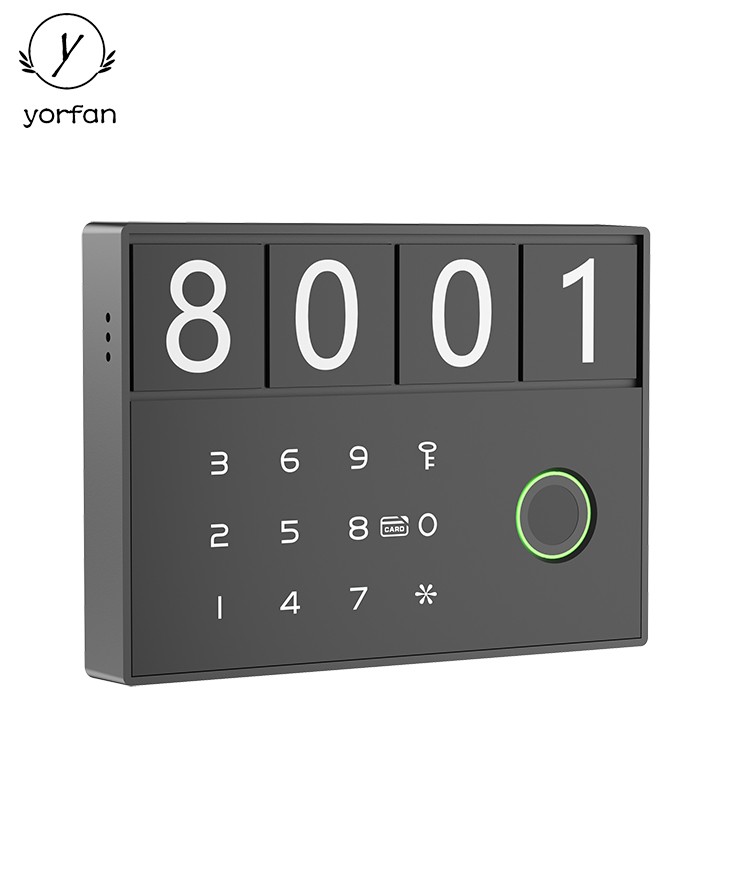
If your lock includes fingerprint or facial recognition, clean the sensors weekly with a microfiber cloth. Re-register biometrics if you notice decreased performance or failed scans. This ensures quick and reliable access for authorized users.
Smart Home Automation
Integrate your YORFAN lock with smart home routines for automated locking and unlocking based on schedules or occupancy sensors. Regularly review automation rules to avoid accidental lockouts, and update automation firmware for optimal security.
Environmental Considerations
WiFi digital locks from YORFAN are built for durability, but environmental factors can affect performance:
In humid climates, check for condensation and rust monthly.
In cold climates, ensure the lock’s battery is rated for low temperatures.
Use weatherproof covers if the lock is exposed to heavy rain or direct sunlight.
Maintaining these standards will keep your lock functioning properly year-round.
Professional Maintenance and Support
YORFAN offers professional maintenance services for customers who want a thorough inspection and servicing of their WiFi digital locks. This includes advanced diagnostics, cleaning, and firmware upgrades performed by certified technicians. Enroll in YORFAN’s maintenance program for scheduled visits and priority support, ensuring peace of mind for years to come.
Frequently Asked Questions
Question
Answer
How often should I check the battery?
Monthly, or whenever a low battery alert appears.
What should I do if my lock stops responding?
Restart the device, check batteries, clean sensors, and contact YORFAN support if needed.
Is WiFi connectivity safe?
Yes, provided you update passwords regularly and keep firmware current.
Can I add or remove users easily?
YORFAN’s app allows seamless management of user access and permissions.
Conclusion: Secure Your Home with Smart Maintenance
WiFi digital locks are revolutionizing home security, and with YORFAN’s expertise as a smart lock manufacturer, you can enjoy unparalleled protection, convenience, and peace of mind. Regular maintenance, routine checks, and proactive security measures are vital to maximizing the lifespan of your lock and ensuring it remains impervious to threats. By following these tips and leveraging YORFAN’s support, your home will remain protected by the most advanced smart lock technology available.
Remember, a secure home is a well-maintained one. Trust YORFAN to deliver long-lasting security through quality engineering and customer-centric service.